Great photographs can make a big difference to your Master Builder Awards entry. They help the judges to understand the quality of your work, see the transformation you've achieved and bring the story behind your entry to life.
Using a professional photographer is a great investment for your business and can help to showcase your work at its best. High-quality images also give you more opportunities when we come to promote your work if you’re recognised in the awards. However, don’t let the cost of a photographer put you off entering. You can still submit your entry with photos taken on a mobile phone with some careful thought and planning. Follow these practical tips to make the most of your photographs and video.
Choose photos that show your best work
For project categories
For project categories, you can submit up to 10 photographs. Although you need to provide at least five, we'd recommend using the opportunity to give the judges a good view of what you've achieved.
Choose photographs that work together to tell the story of the project:
- Show the finished result. The majority of your photographs should showcase the completed project and the quality of your work.
- Include one or two before photos. These can be a great way to show the scale of the transformation.
- Show the whole project. Include wider shots that help the judges understand the space or building, alongside closer shots of details you're particularly proud of.
- Keep construction photos to a minimum. Technical or work-in-progress shots can help explain an important challenge, but don't fill your entry with footings and half-finished rooms.
- Only show work you delivered. If you were responsible for part of a larger project, make sure your photographs clearly represent your own work.
Think about what the judges would miss if they only read your written entry. Your photographs should help fill in that picture.
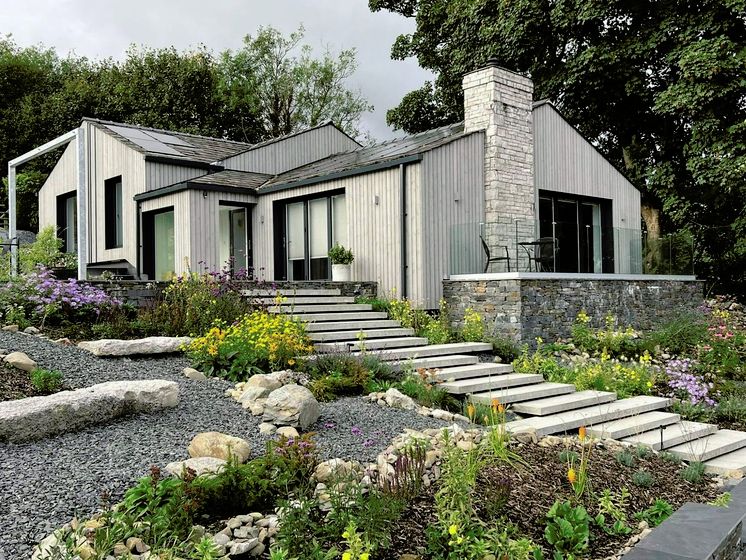
Showcase the finished result
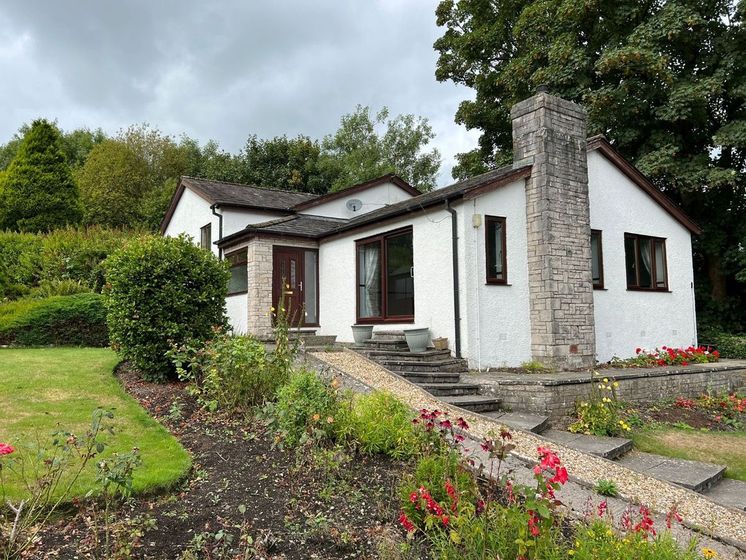
Tell the full story
For business and people categories
If you’re nominating your business or your people for an award, you can upload up to five photos and three videos.
Choose photos that put the people behind your nomination front and centre:
- Show people clearly and in context. Avoid distant shots and, where possible, show them at work or doing something relevant to the nomination.
- Include the wider team. For business and workplace categories, team photos can help to tell your story.
- Use good-quality images. Make sure faces are well lit, in focus and the image is high resolution.
- Get permission. Make sure anyone identifiable in your photos and videos is happy for you to use them.
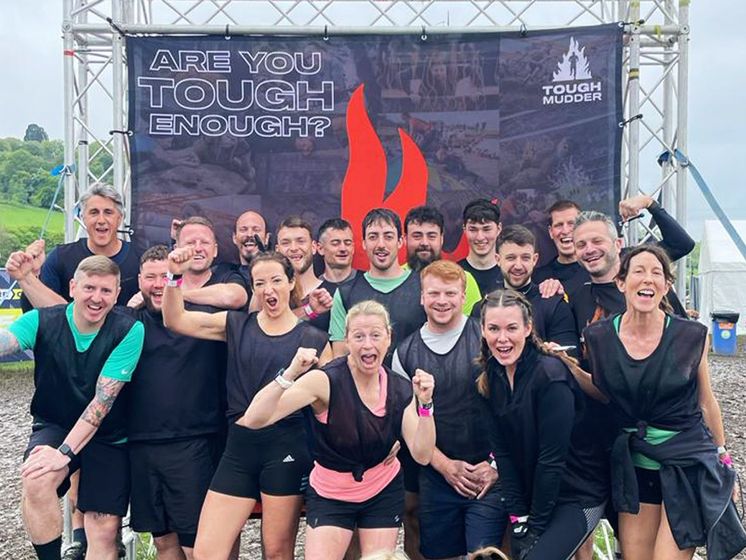
Show the people behind your business
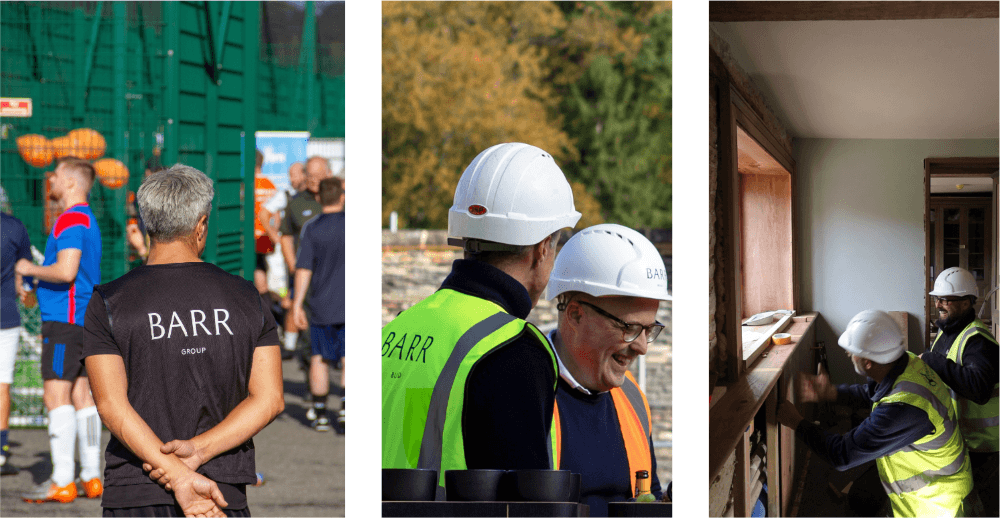
Capture photos that tell a story
Great photos bring your nomination to life and give us more opportunities to promote your people and business if you’re successful in the Awards.
Take better photos with your phone
If you decide to take your own photos, you don't need specialist equipment. A modern smartphone can produce high-resolution photographs suitable for your entry.
A few simple things can make a big difference:
- Use good light. Natural light will often give you a better result than artificial lighting, which can add a yellow cast to interiors.
- Clean your camera lens. A quick wipe can prevent otherwise good photographs looking hazy or blurred.
- Check the whole frame. Make sure the important parts of the project are visible and that nothing has accidentally been cut off.
- Tidy the space first. Remove tools, rubbish and everyday clutter that could distract attention from your work.
- Think ‘safety first’. Move personal items like family pictures out of the frame. Angle your shot to avoid giving away its street location through windows.
- Keep it sharp. Check that the main subject is in focus before moving on.
Take several photographs from different positions while you're there. You can choose the strongest ones when you prepare your entry.
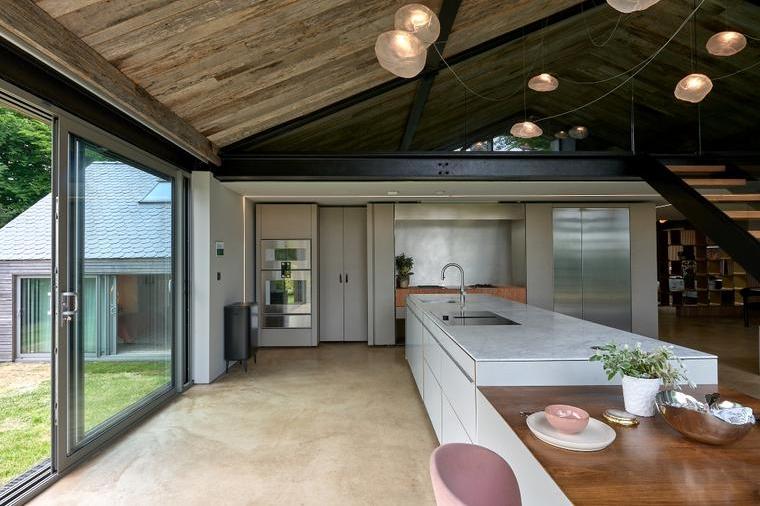
Make sure your photos are high quality
Each photograph you submit should be at least 2MB so that it is high enough quality to reproduce without appearing blurry or pixelated.
Be careful when transferring photographs from your phone. Some email and messaging apps automatically compress images. If you're emailing them, select the actual size or original-quality version where possible.
A note on AI
To keep things fair, entries will be disqualified if we reasonably believe that AI-generated content has been used to create or materially alter the submission.
Consider adding a video
You can also include a video with your entry. This can be particularly useful when photographs alone don't give the judges the full picture.
For example, you could use video to:
- Give a guided walkthrough a completed project.
- Show how different rooms or areas connect.
- Capture the scale of a larger build.
- Show details that are difficult to communicate through still photographs.
- Include aerial or drone footage where it genuinely helps explain the project.
Keep it focused. The aim isn't to produce a glossy promotional film, but to help the judges to understand your work and what makes it stand out.
We can't host video files as part of your entry, so you'll need to upload your video somewhere it can be viewed online, such as YouTube, Vimeo, Facebook or Instagram, and provide the link with your entry.
Make sure the link works and that your video's privacy settings allow the judges to view it before you submit.
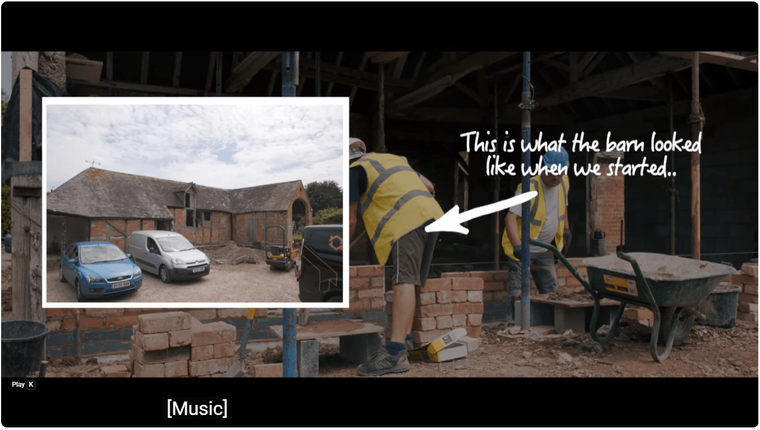
Check you have permission
You'll need your client's permission to enter their project, including permission to use photographs and project information.
If somebody else took your photographs or video, including a professional photographer, make sure you also have permission to use their work. Ideally, get this in writing and provide the photographer or company's name if they need to be credited.
The FMB does not take responsibility for any issues caused as a result of publishing and distributing photos where third-party permission has not been sought before submission of a nomination.
Disclaimer: The FMB reserves the right to use any photos submitted to the Master Builder Awards free from copyright in future marketing material and promotion of future awards.
Ready to show the judges what you've achieved?
Once you’ve chosen your strongest photos and video, you’re ready to bring the rest of your entry together. Read our practical guide for help preparing your submission, or head straight to the entry form when you’re ready.
[How to enter the Master Builder Awards 2027]
[Enter the Master Builder Awards 2027]